Paper to PDF, simply.
Scan contracts, receipts and notes. Adjust each page, then export a PDF or image that fits your needs.
Download on theApp Store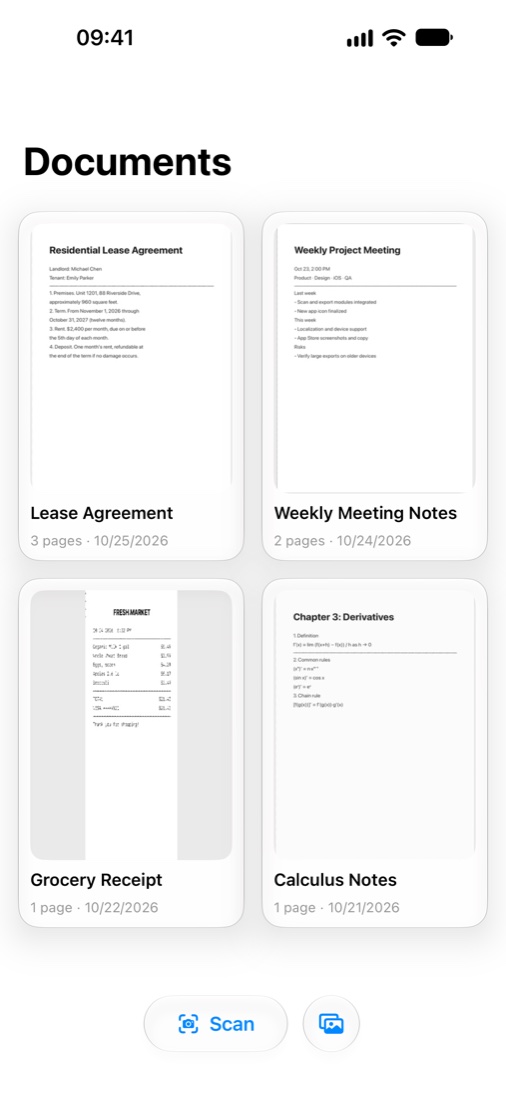
No account needed. Scan and organize on your device.
PDF, PNG, JPEG or HEIC, with paper size and quality controls.
No document uploads, advertising SDKs or behavioral analytics SDKs.
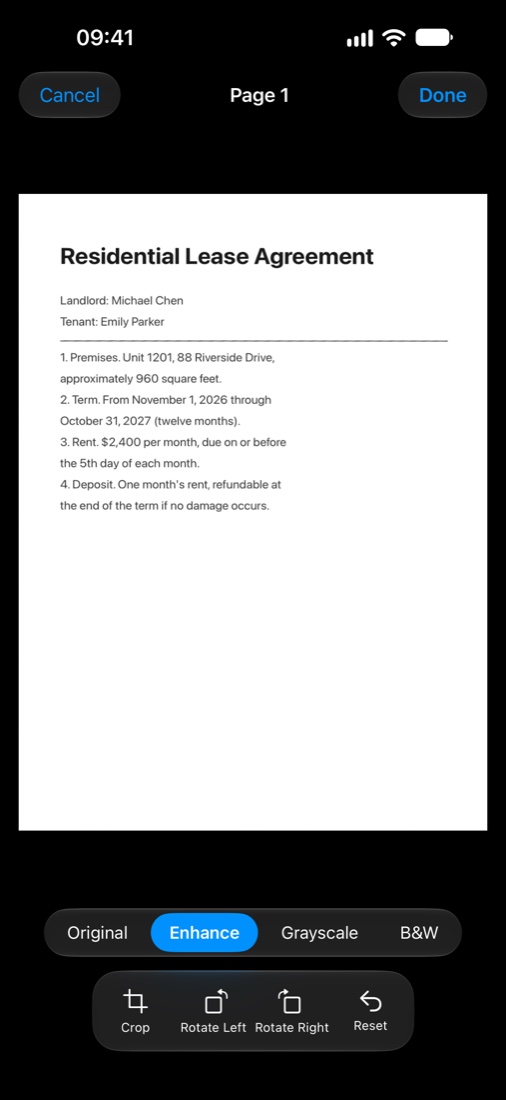
Editing and filters
From a sheet of paper to a useful file.
Straighten the edges, improve readability, and choose a format for sharing or keeping.
Your documents. In your hands.
PaperIn scans, processes and stores documents on your device. We do not receive your scans or require an account.
Sharing, saving to a cloud provider, and system backups are handled by the services you choose.
Read how data is handled ↗Before you download
Do I need an internet connection?
Scanning, editing and exporting happen on your device. Visiting this website, opening the App Store or sharing through other apps may require a connection.
Which devices are supported?
PaperIn is available only for iOS, on iPhone and iPad running iOS 18 or later. Check the App Store for exact compatibility.
Does it recognize or edit PDF text?
The current version focuses on document scanning, image adjustments and export. It does not include OCR or PDF text editing.
What does it cost?
Download pricing, trial limits and available in-app purchases are shown in the App Store and the purchase screen in the app.
How do I get help?
Email service@lydoublelei.com with your device, system version and a description of the issue. Please redact identity documents and sensitive content before attaching files.